 Rare Disease Day is a global movement aimed at improving social opportunities, healthcare, and access to diagnosis and therapies for those living with rare diseases. It raises awareness for the 300 million people worldwide affected by rare conditions like Niemann-Pick disease, as well as their families and caregivers. The event encourages people to get involved and raise awareness about what it means to be rare.
Held annually on the last day of February, Rare Disease Day is founded by EURORDIS and sponsored by the National Organization for Rare Diseases (NORD). With 1 in 20 people affected by a rare disease in their lifetime and no cure for many, the day is crucial in improving public knowledge and urging researchers and policymakers to address the needs of rare disease patients. Anyone can get involved in Rare Disease Day awareness. Participants can find additional helpful resources, activities and events to get involved at rarediseaseday.org.
Participation is easy!
- Download the I Support Rare Disease Day profile image (see below) to use on your social pages.
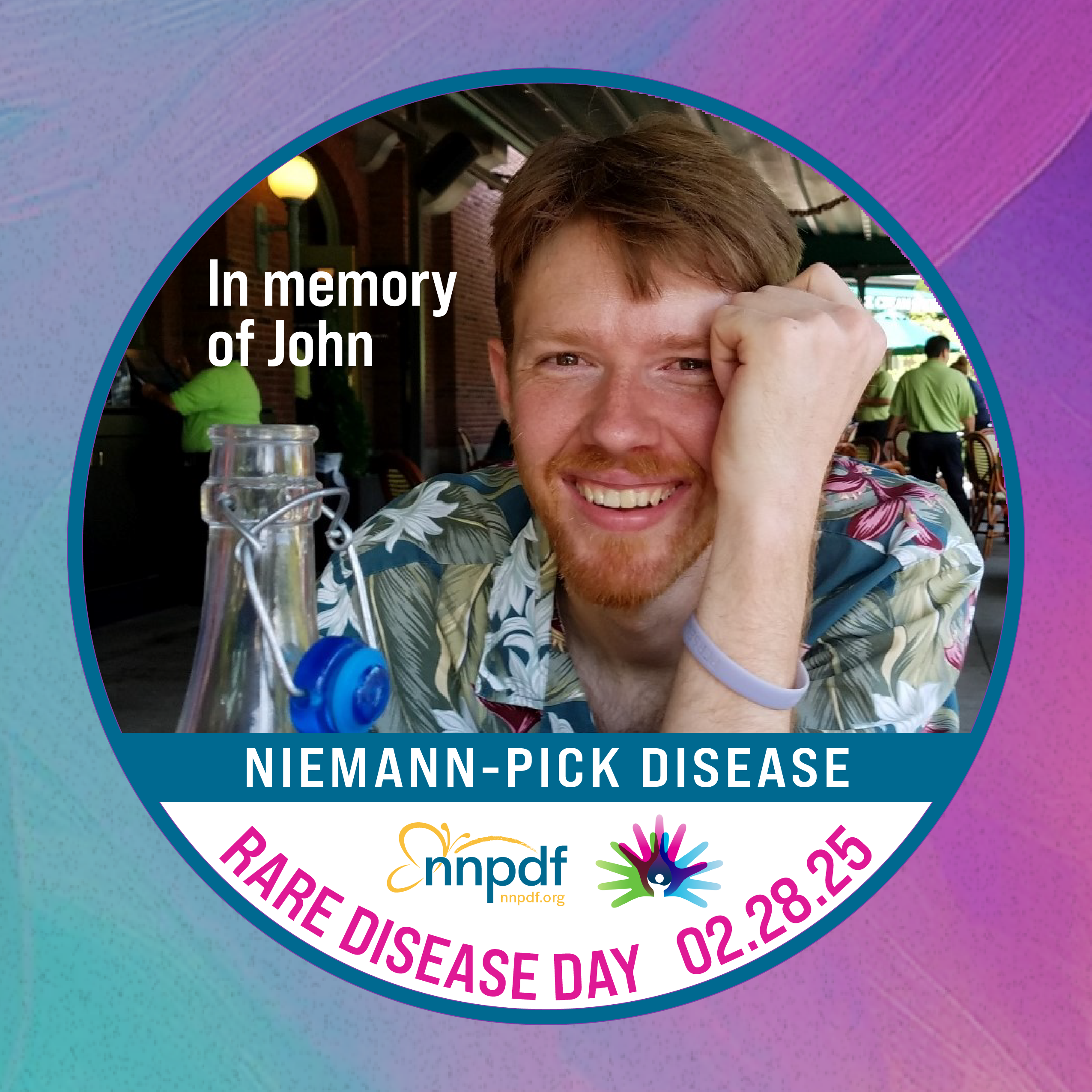
- Create your own personalized social media profile image in Canva following the instructions below. If you need assistance, please contact Jill at [email protected]. We are happy to help!
- Download and use the Rare Disease Day Facebook banner.
- Share Your Story and join the individuals and families who have contributed their personal accounts of living with rare diseases. Alone we are rare. Together we are strong!
- Share the Rare Disease Day graphics from NNPDF’s social pages.
- Order your Niemann-Pick Awareness gear! Available in 3 designs with ASMD, NPC, or Niemann-Pick Disease options – available in T-Shirt or Hoodies. Personalization for your family is also available. Send us your photos with your new gear! Allow 2 weeks for delivery. US only.
- Visit rarediseaseday.org for additional awareness materials and downloads.